

Renovate an existing home
Whole-home work on a property you own or are buying.
Tells you: What the project costs all in, and how much of that spend the model expects to show up in value.
Home Vision
Renovation, addition, rental, construction, and flip scenarios — with every assumption on the same screen as the number it produced, and every gap named rather than papered over.
Free, immediate, and no contact details until after you have seen the result.
8
Scenario types, from a kitchen refresh to land and new construction
0
Figures presented as a single fake-precise number — everything is a range
0
Contact details required to see your result
It runs finance arithmetic on numbers you supply, and it is honest about the numbers you did not.
Every scenario runs three times — one unfavourable set of assumptions, one middle, one favourable — and each end of the band is a coherent story rather than the worst corner of every input at once. If a range cannot honestly be produced, the figure is not shown.
The result lists what you entered, what the model assumed on your behalf, and which figures each one drove. Any assumption we supplied is marked modelled assumption — not market data, because that is what it is.
Zoning, permitting, flood zone, insurance availability, rent support, and the absence of comparable sales are named on every result, with the authority that can settle each one. A gap stated plainly is more useful than a plausible number nobody can trace.
Each asks for different numbers and produces different figures.
Whole-home work on a property you own or are buying.
Tells you: What the project costs all in, and how much of that spend the model expects to show up in value.
New conditioned space attached to an existing structure.
Tells you: Cost per added square foot, total project cost, and the modelled value of the space.
A refresh inside the existing footprint.
Tells you: Budget plus contingency, carrying cost, and the modelled value change.
Buying a lot and building on it.
Tells you: Delivered cost including land, soft costs, and carry, against a modelled completed value.
A twelve-month lease on a single property.
Tells you: Monthly cash flow, the rent needed to break even, and debt service coverage.
Nightly letting. Check first whether it is permitted where you are.
Tells you: Booking income after unbooked nights, operating cost, and the income needed to break even.
Buy, renovate, and resell.
Tells you: The resale price needed to break even — the one figure here that depends on costs rather than on a value nobody has established.
Rent it, keep it, and look at where it lands after a number of years.
Tells you: Cash flow now, plus modelled equity at the end of the hold from paydown and value change.
Three of those scenarios, drawn as a before and an after. Every altered image says so on the image. None of these is Vision output — Vision computes figures and produces no imagery at all — and none of them depicts a real project, a real client, or a real address.
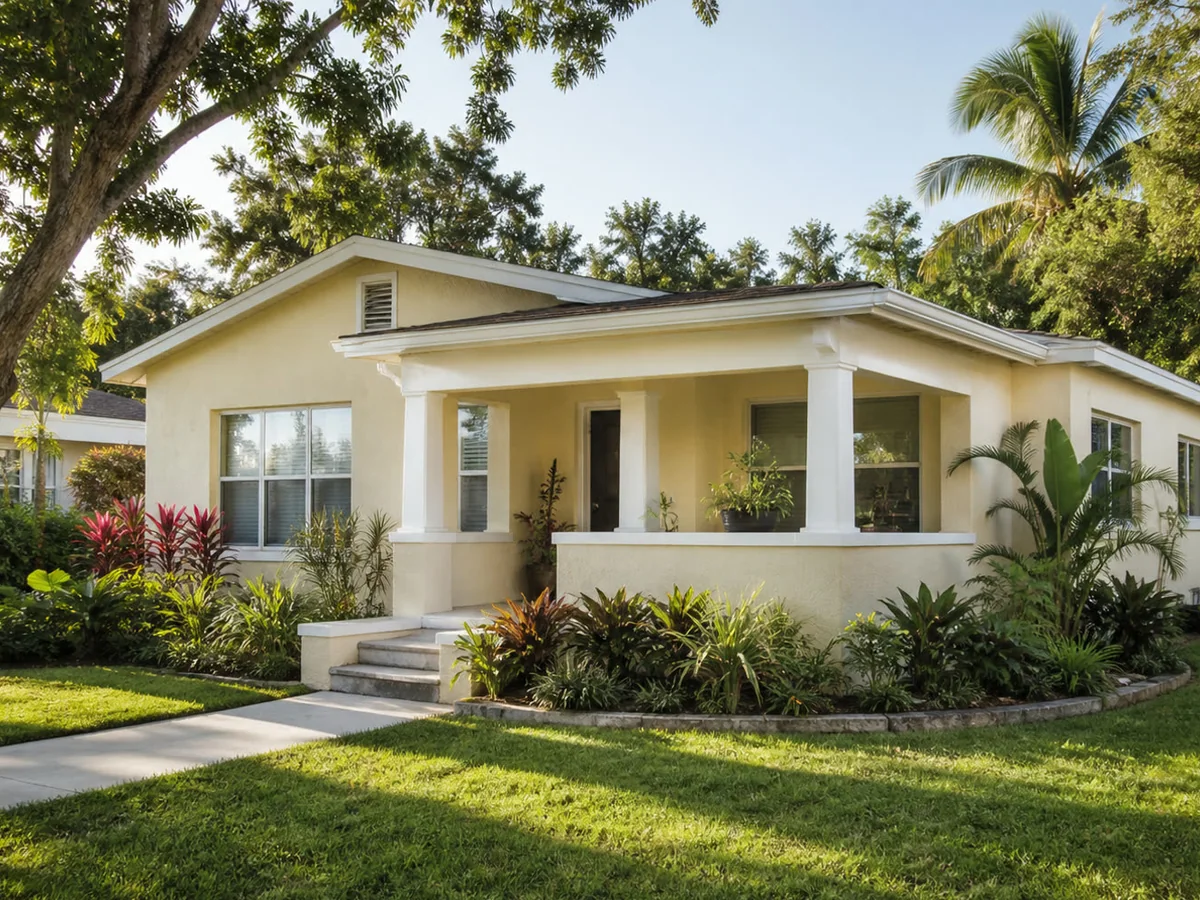
A cosmetic refresh on an older bungalow. What a scenario like this actually turns on is the cost you enter and the resale assumption you choose, not how the picture looks.
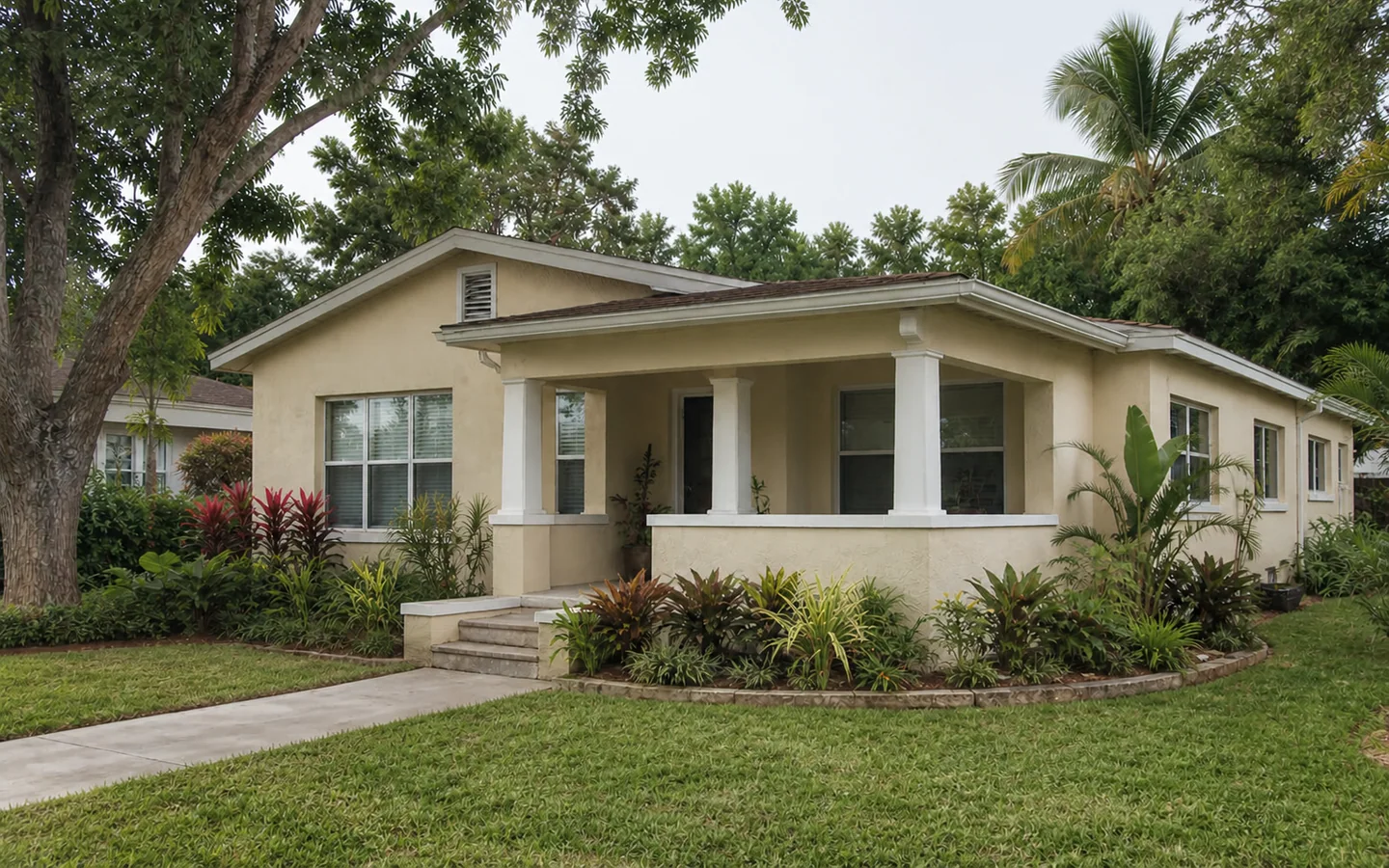
Starting point — shown unaltered
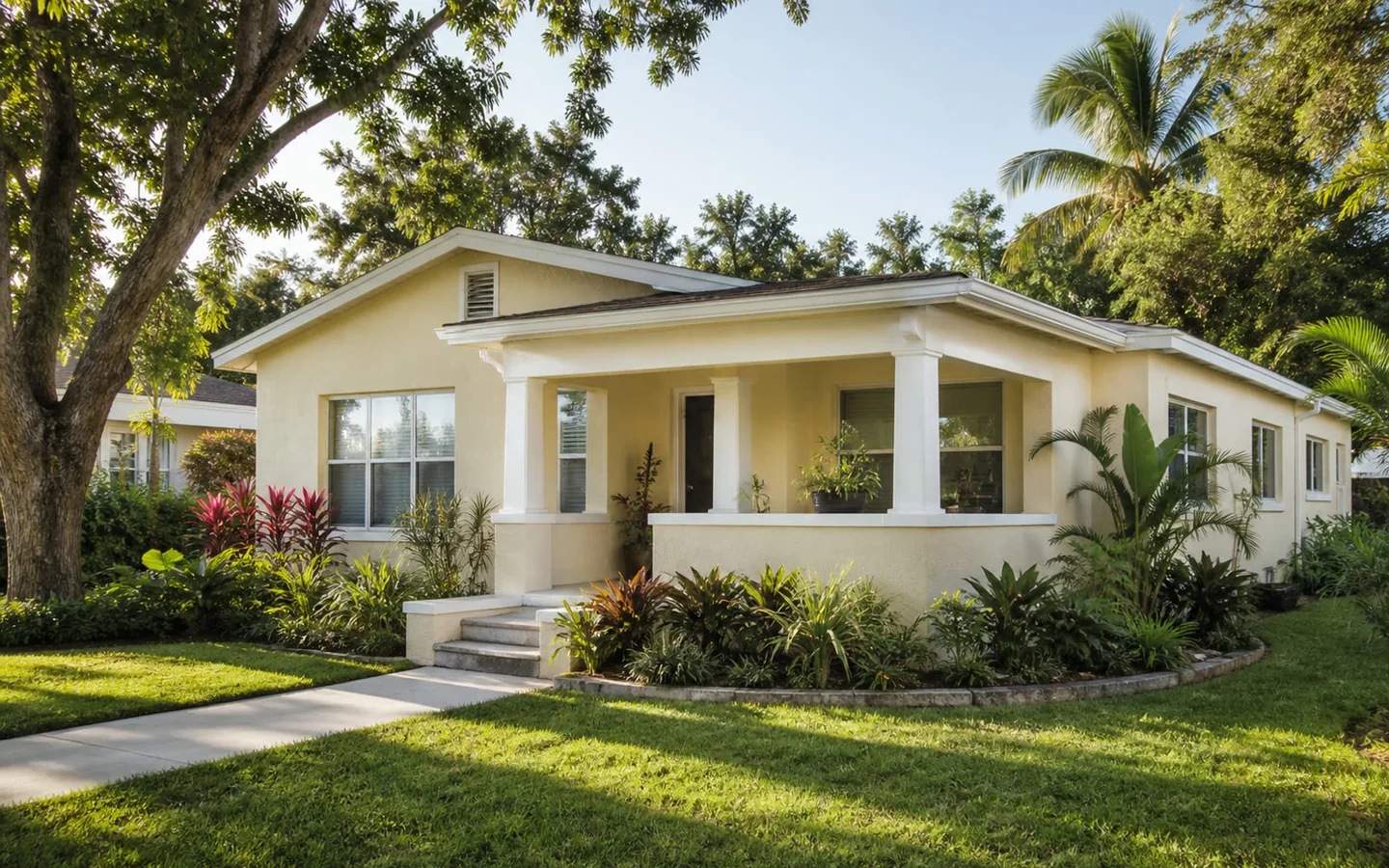
Concept visualization — a generated illustration of one possible outcome. Not a photograph of completed work, a design, or a prediction of result.
A modest wing beside an existing house. Whether it may be built at all is a setback, zoning, and permitting question, and the model answers none of them — it lists them as unverified instead.
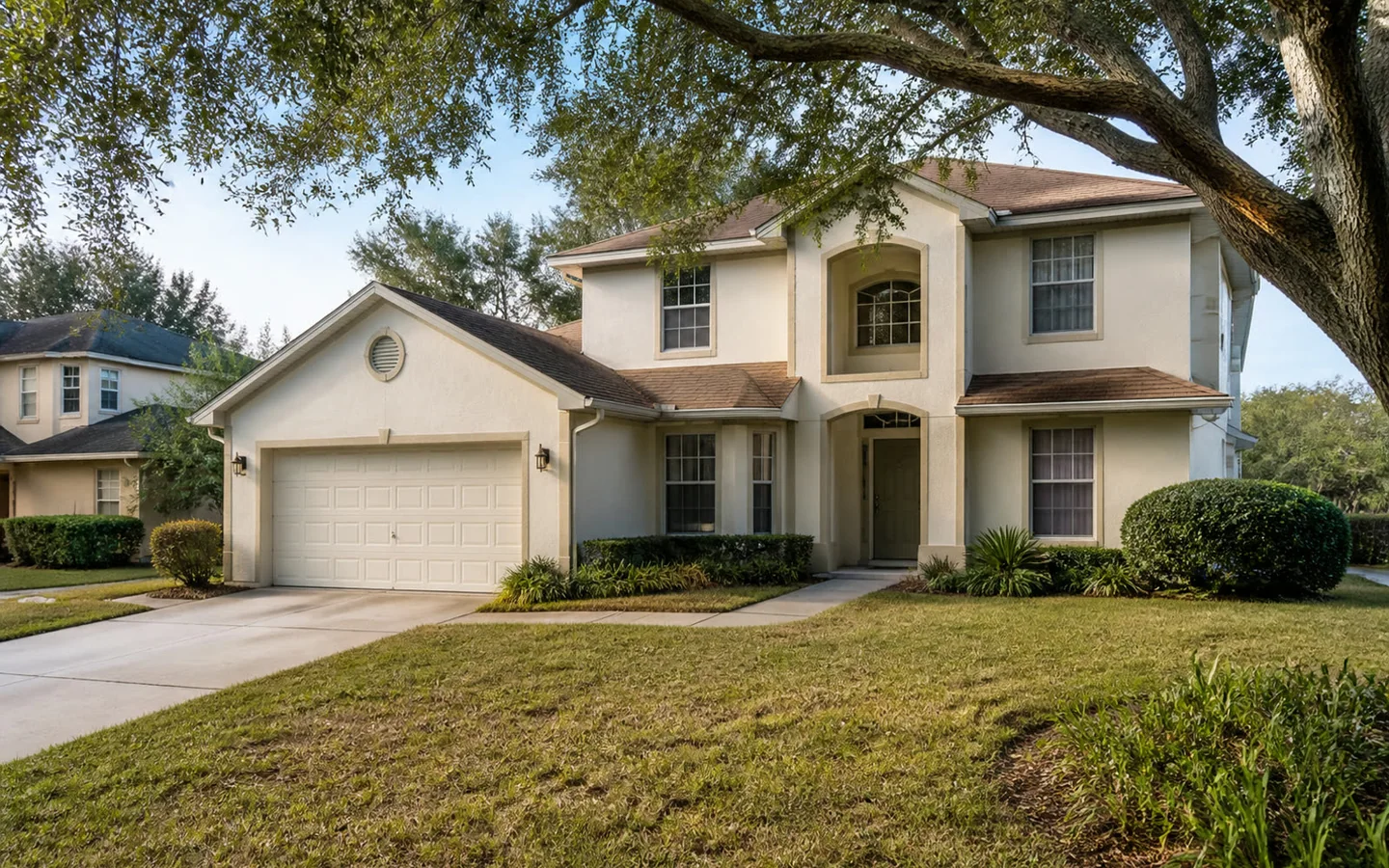
Starting point — shown unaltered
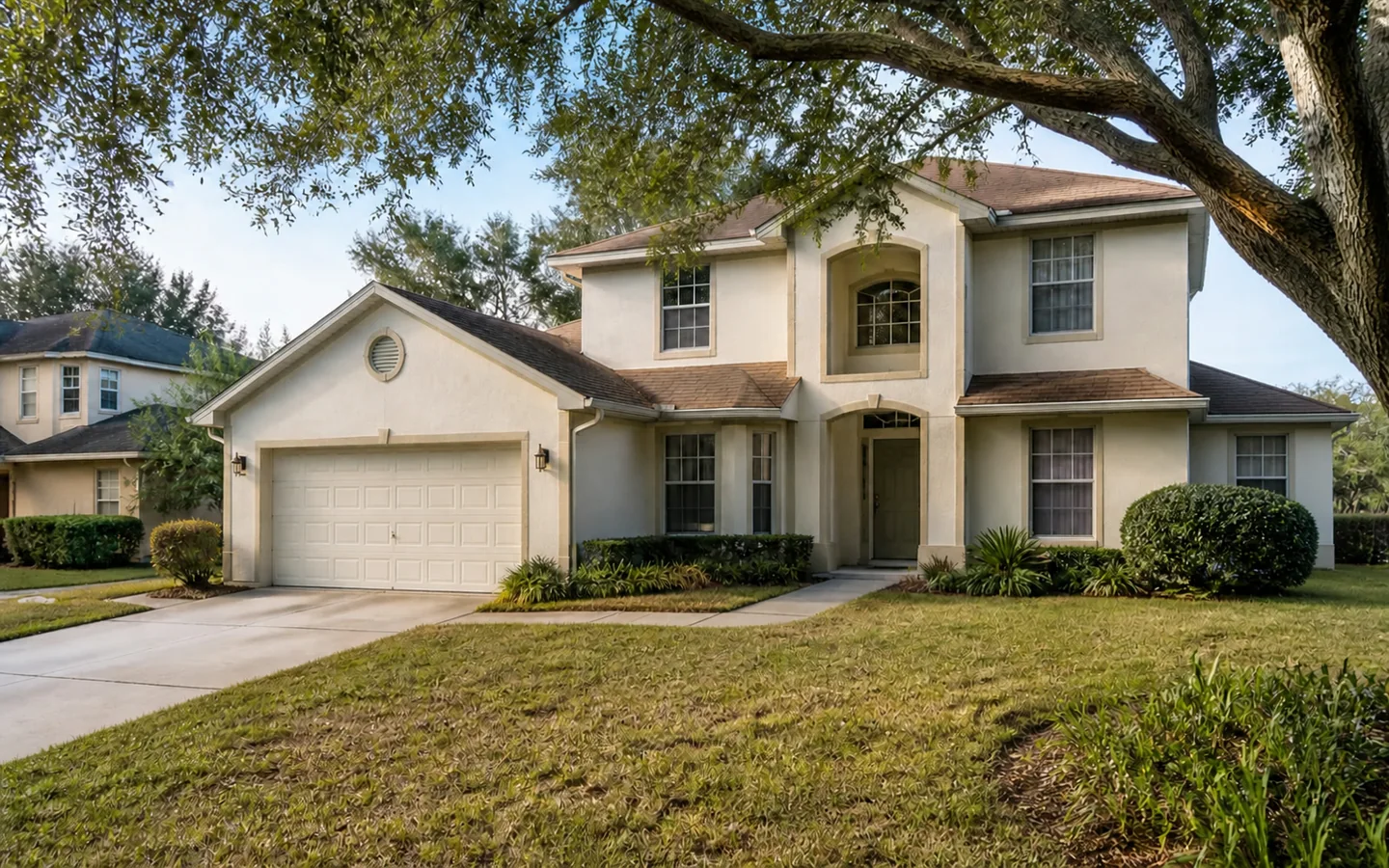
Concept visualization — a generated illustration of one possible outcome. Not a design, not an approval, and not evidence that anything may be built.
A house placed on open ground. Access, utility capacity, wetland delineation, and permitted use decide whether that placement is even possible, and a picture cannot settle any of them.
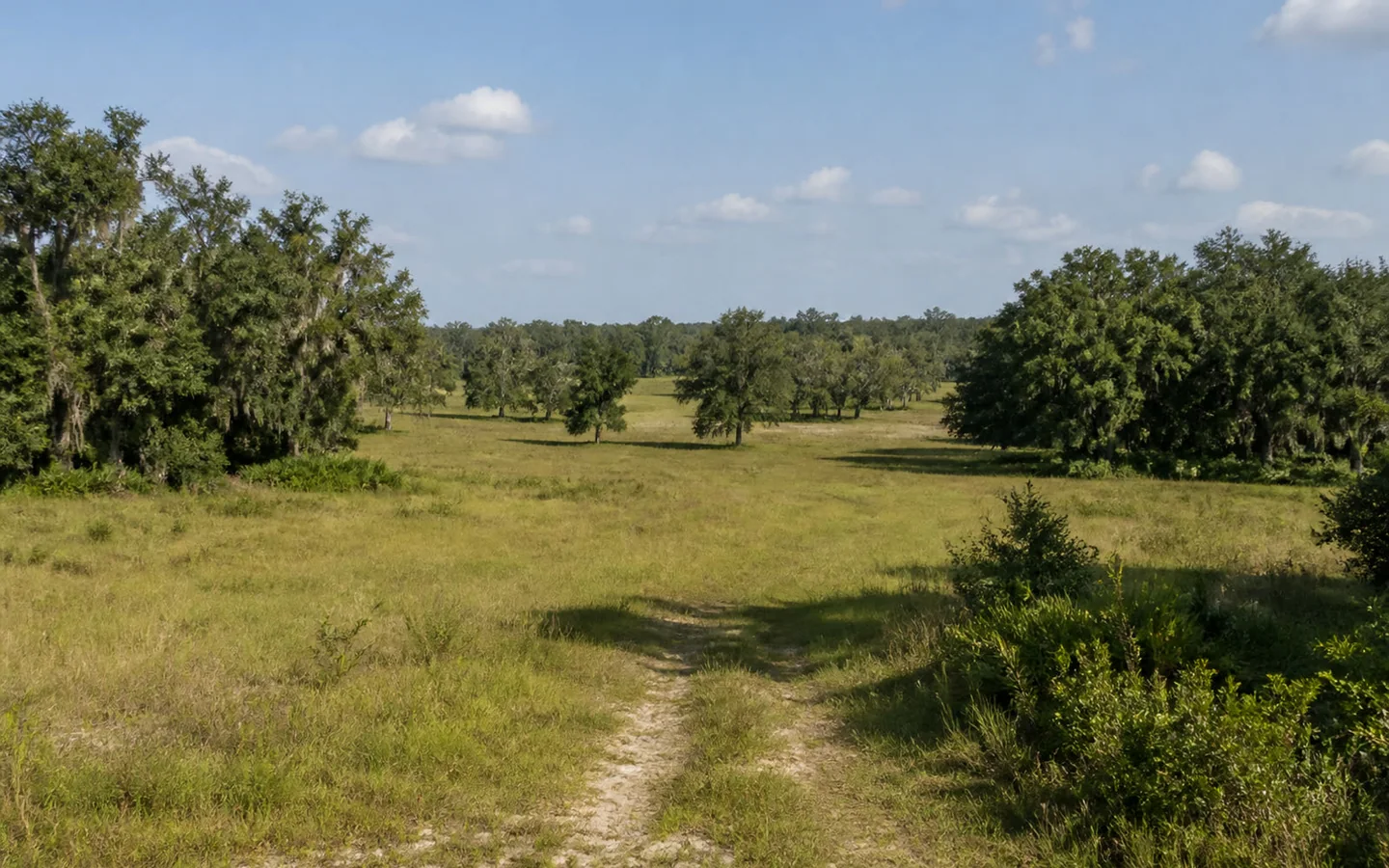
Starting point — shown unaltered
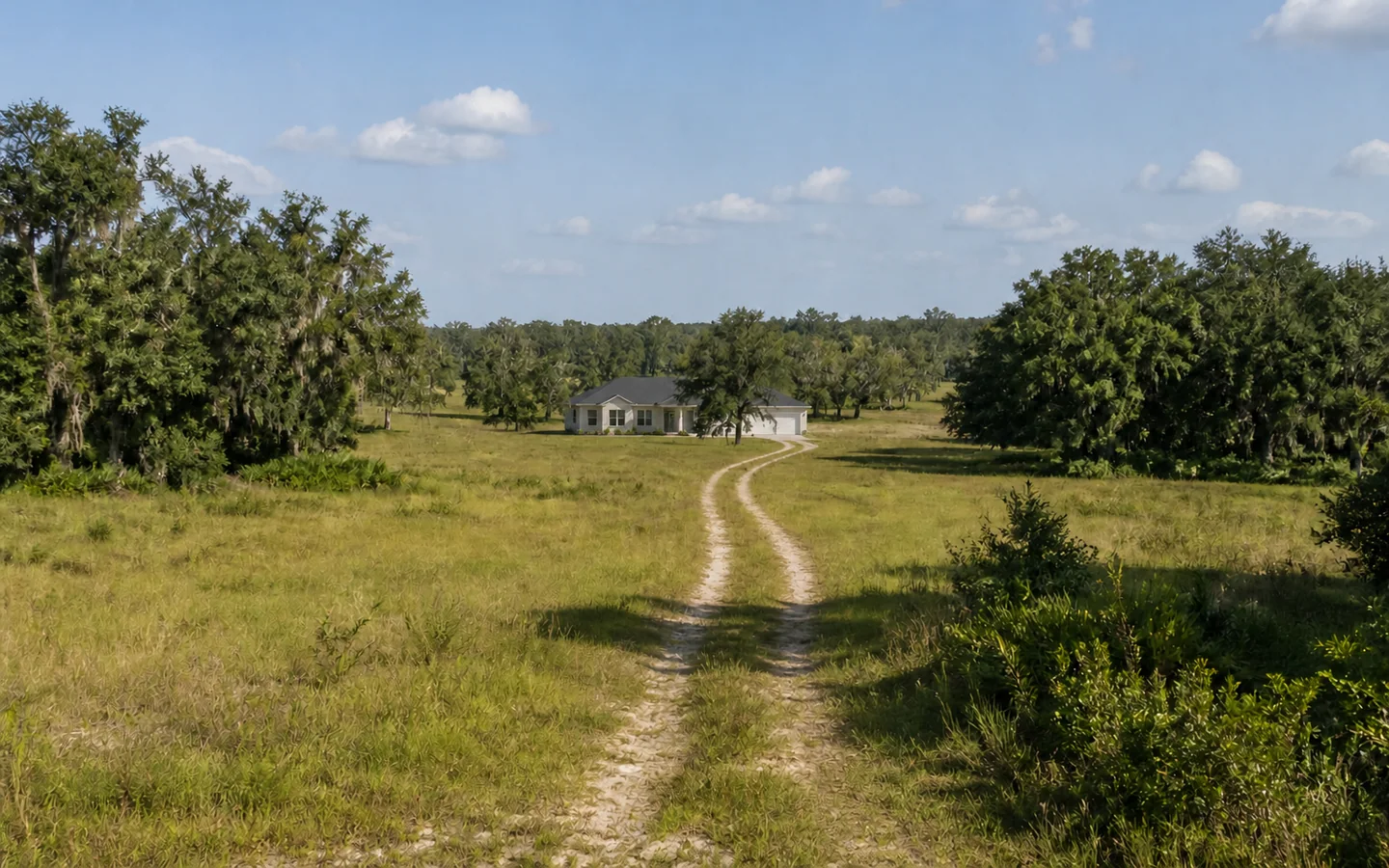
Concept visualization — a generated illustration of one possible outcome. Placement, access, permitted use, and flood zone are not established here.
These are not caveats added at the end. They are the reason the tool is built the way it is.
The part that matters most is the part that is deliberately boring.
Every figure comes from tested, versioned functions in a package that has no network access, no clock, and no randomness — the same input produces the same output, forever. Money is held as integer cents and rates as basis points, so nothing drifts through rounding. The whole model runs in your browser in milliseconds and costs nothing to run, which is exactly why there is no reason to charge you an email address for it.
A language model performs none of it. AI in Vision is reserved for written narrative and imagery around figures that were already computed, and it is switched off until it is configured — because a model that guesses at a number and a model that describes one are different things, and only the second is safe.
Run the scenario, read the assumptions, look at what nobody has verified. Then decide whether it is worth a conversation.